DocumentationStart
Welcome
Everything you need to use JagaHukum, written short and straight to the point.
What JagaHukum is
JagaHukum is a legal workspace. You ask, it answers with articles you can open yourself. You upload a document, it shows the clauses that stray. You ask for a draft, it writes one. Every module reads the same corpus, so answers do not change depending on which menu you happen to use.
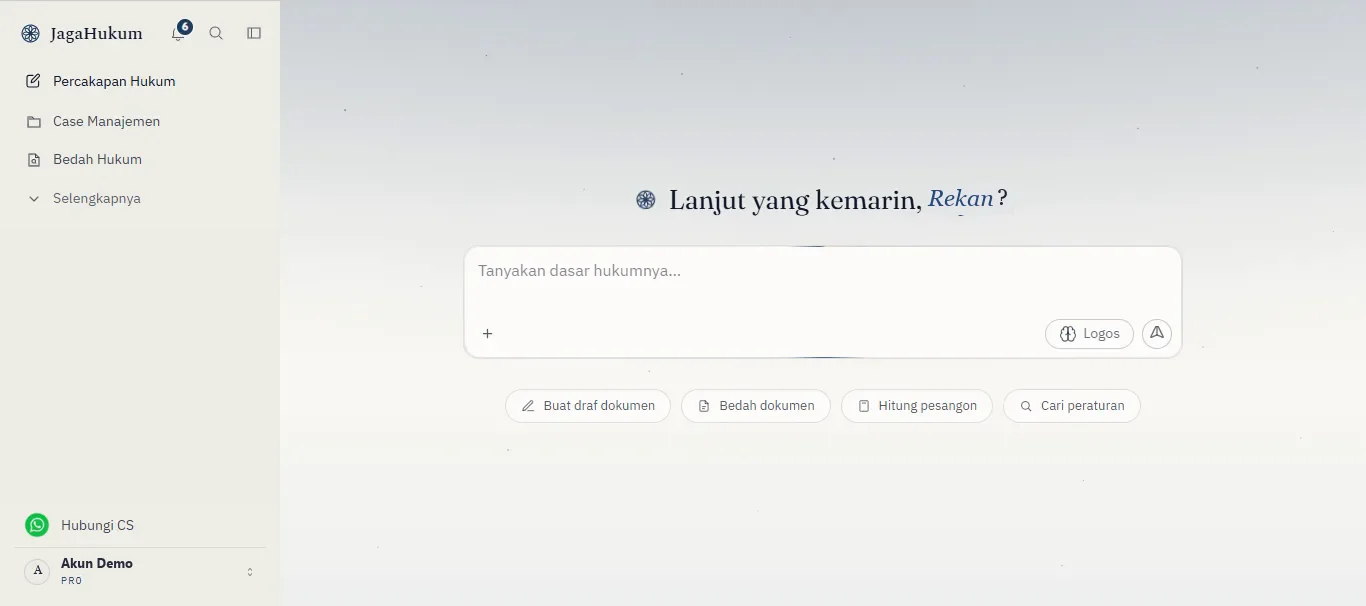
Ask and discussAsk a plain question, and the answer cites the articles in force.
Draft and calculateRequest a draft or legal opinion right in the conversation, and calculate severance or inheritance from the rule's formula.
Save and continueConversations, drafts, and projects save themselves, ready to reopen tomorrow.
Check the sourceEvery citation is clickable. Revoked law never takes part in an answer.
How the work flows
Most work here has the same shape, four steps, from a question to a finished file.
- AskStart from a plain question, not an article number.
- VerifyOpen the citation and make sure its basis is still in force.
- BuildCarry on into a draft, a legal opinion, or a calculation.
- KeepPut it in a Case Management project so the files do not scatter.
Start in five minutes
- 01Sign in with GoogleOne click, no form to fill. The free plan is active straight away.
- 02Pick your roleLawyer, HR, student, or general public. This sets how deep answers go.
- 03Ask one questionDescribe your case as it is. If it has layers, turn Logos on.
- 04Carry it into a fileSend the result to Legal Drafting, or open a case to keep it.
No account yet? The free plan never expires, and it reads exactly the same corpus as the paid ones.