How it works
Open a project
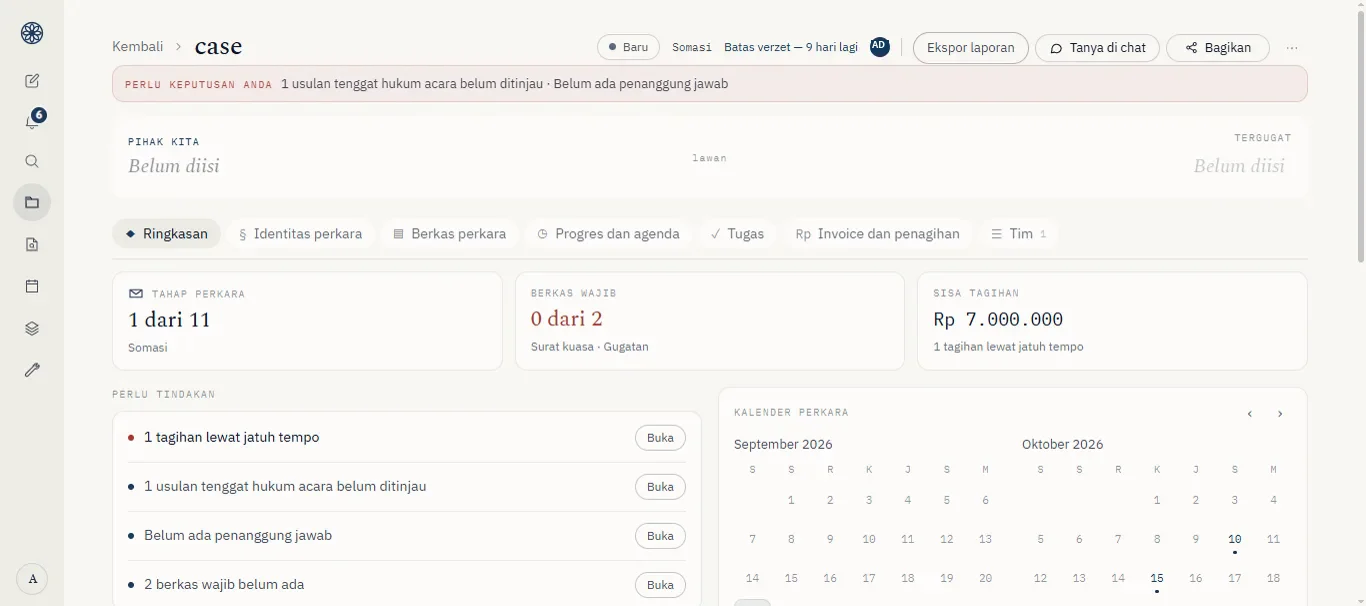
Name, client, and type. Litigation comes with stages and deadline alarms.
Arrange the canvas
Stages, notes, tasks, and files are laid out as blocks, with no fixed shape imposed.
Bring in the team
Invite colleagues as editors or viewers. The nearest deadline rises to the top on its own.
What sets it apart
Four ways to look
List, board, schedule, and table. The same work, from any angle.
Role-based access
Owners manage access, editors change content, viewers only read.
Deadlines that remind you
Every deadline shows a day count; overdue and nearest ones stand out.